Orders in. Tracking back.
Import Shopify fulfillment orders and send fulfillment and tracking information back when they ship. Support for multiple Shopify locations keeps the shipment tied to where it is fulfilled.
PolyBag gives your Shopify packing team one workflow to scan the order, check every item, weigh the box, and print the label. Put the checks and shipping rules into the workstation as your team grows.
Built for stores packing in-house, roughly 50+ shipments a day, from the continental US.
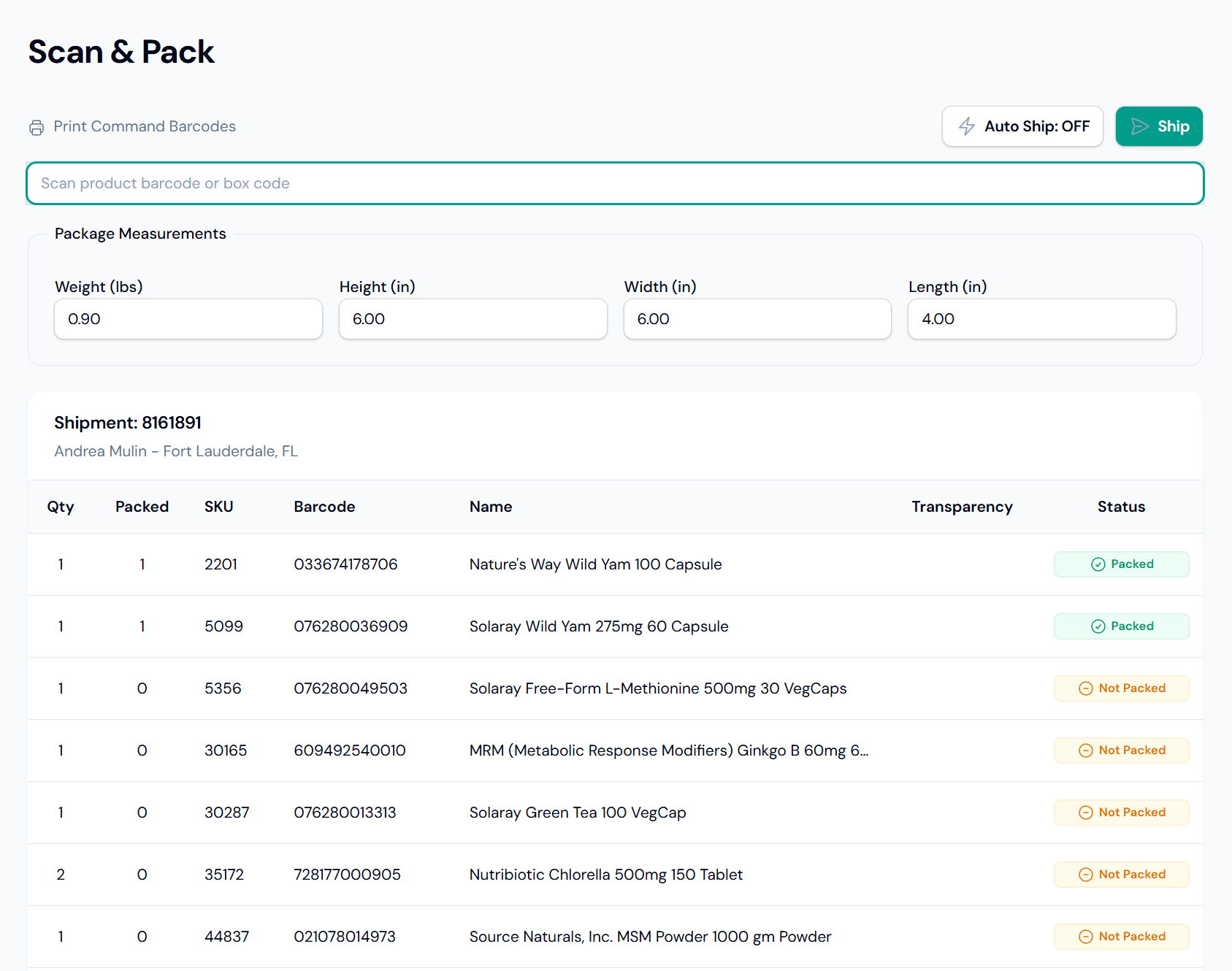
Your packer follows the order on screen. Wrong-item and excess-quantity scans are flagged while the box is still open.
Watch the packing workflow
Load the shipment and the items to pack.
Apply saved dimensions without typing them in.
Check products and quantities against the order.
With Auto Ship configured, buy and print an eligible label, then load the next order.
With item validation enabled, all required quantities must be packed before shipping. Choices that need a person go to the shipping screen.
Which box? Was that two units or three? Which service should this order use? Give each packer the same checks and configured choices, instead of another set of instructions to remember.
Import Shopify fulfillment orders and send fulfillment and tracking information back when they ship. Support for multiple Shopify locations keeps the shipment tied to where it is fulfilled.
Print 4×6 packing slips with an order barcode on your thermal printer. Use optional picking batches when a consolidated pick list fits your operation.
Already use an inventory or warehouse system? PolyBag works alongside it. Stock management stays in your existing system.
Choose the setup that fits your store. You can improve the packing process before you negotiate a carrier agreement.
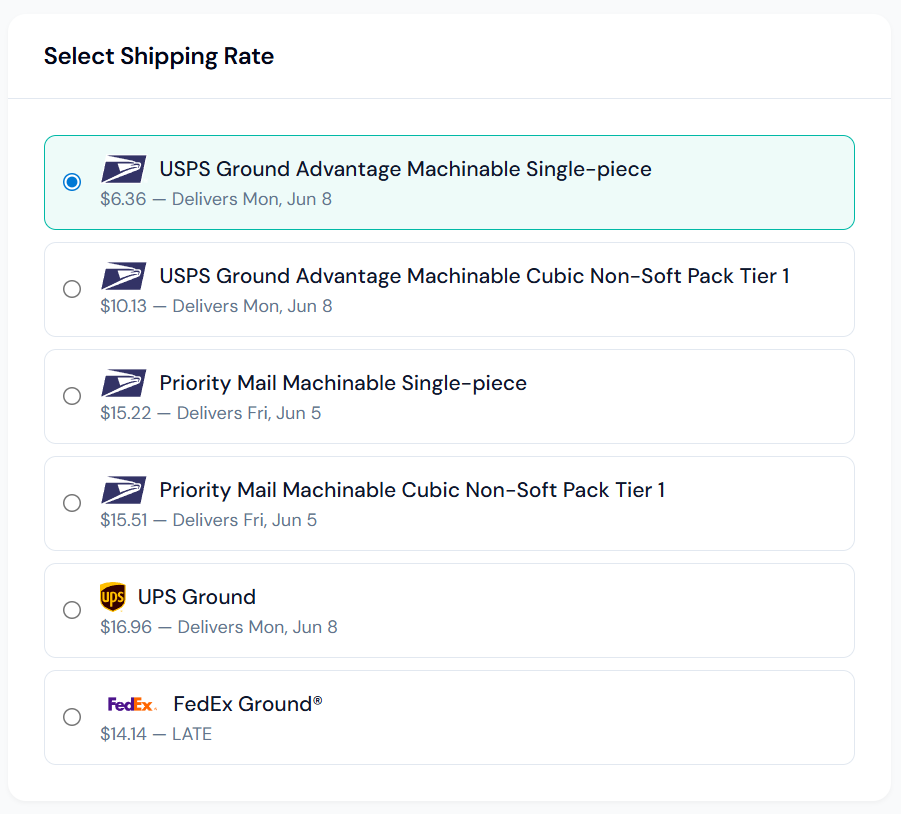
No. Shopify Shipping does not provide a comparable quote, and Shopify chooses the final service. Use it through an explicit rule or as the method's sole eligible choice. Rate shopping compares quoted services from connected carrier accounts.
Void Shopify Shipping labels in Shopify admin. PolyBag synchronizes the cancellation. Direct USPS, FedEx, and UPS labels are voided through PolyBag.
PolyBag runs in modern browsers on Windows, macOS, and Linux. A lightweight local bridge connects label printers and supported scales; Chromium browsers can also connect supported scales directly. Bring your scanner, scale, and printer models to the demo so we can check the setup together.
No. Shopify and merchant-fulfilled Amazon orders can use the same packing workflow, with shipping methods and rules suited to each channel. See Amazon Buy Shipping, delivery requirements, and Transparency handling.
PolyBag can import from a customer-managed SQL database, including MySQL, Microsoft SQL Server, and PostgreSQL. Queries and field mappings need to fit your system; this is a scoped integration, not a ready-made connector for every ERP. We can review it during a demo.
We'll walk through the item checks, box sizes, shipping choices, and hardware your team would use. PolyBag is in early access, with guided setup and direct support from the people building it.
Tell us your daily volume, current shipping tool, and what slows packing down. Questions first? hello@polybag.app